

eSIM management uses the Android Management API (AMAPI) and requires Google Mobile Services. This feature is not available on AOSP Devices.
Android 15 streamlines the process of adding, removing, and provisioning eSIM profiles on both Company-Owned and managed BYOD Devices. This means IT admins can now take advantage of a more unified and consistent experience across Device types, helping organizations reduce operational complexity and improve deployment efficiency.
Applivery integrates seamlessly with these new capabilities, allowing admins to centrally manage eSIMs across their Android fleet. By using Applivery, you can remotely:
Install and provision new eSIM profiles.
Remove or replace existing eSIMs.
Request a Device's EID to provision eSIMs on Work Profile Devices.
Wipe downloaded eSIMs as part of a Device wipe.
Automate eSIM workflows for Device onboarding or user transitions.
Maintain a consistent and secure mobile connectivity experience without the need for physical SIM handling.
Adding an eSIM to your Device
Once in the Applivery Dashboard, select any of your Devices.
Click the Action 1 button and choose Add eSIM 2 from the dropdown menu.
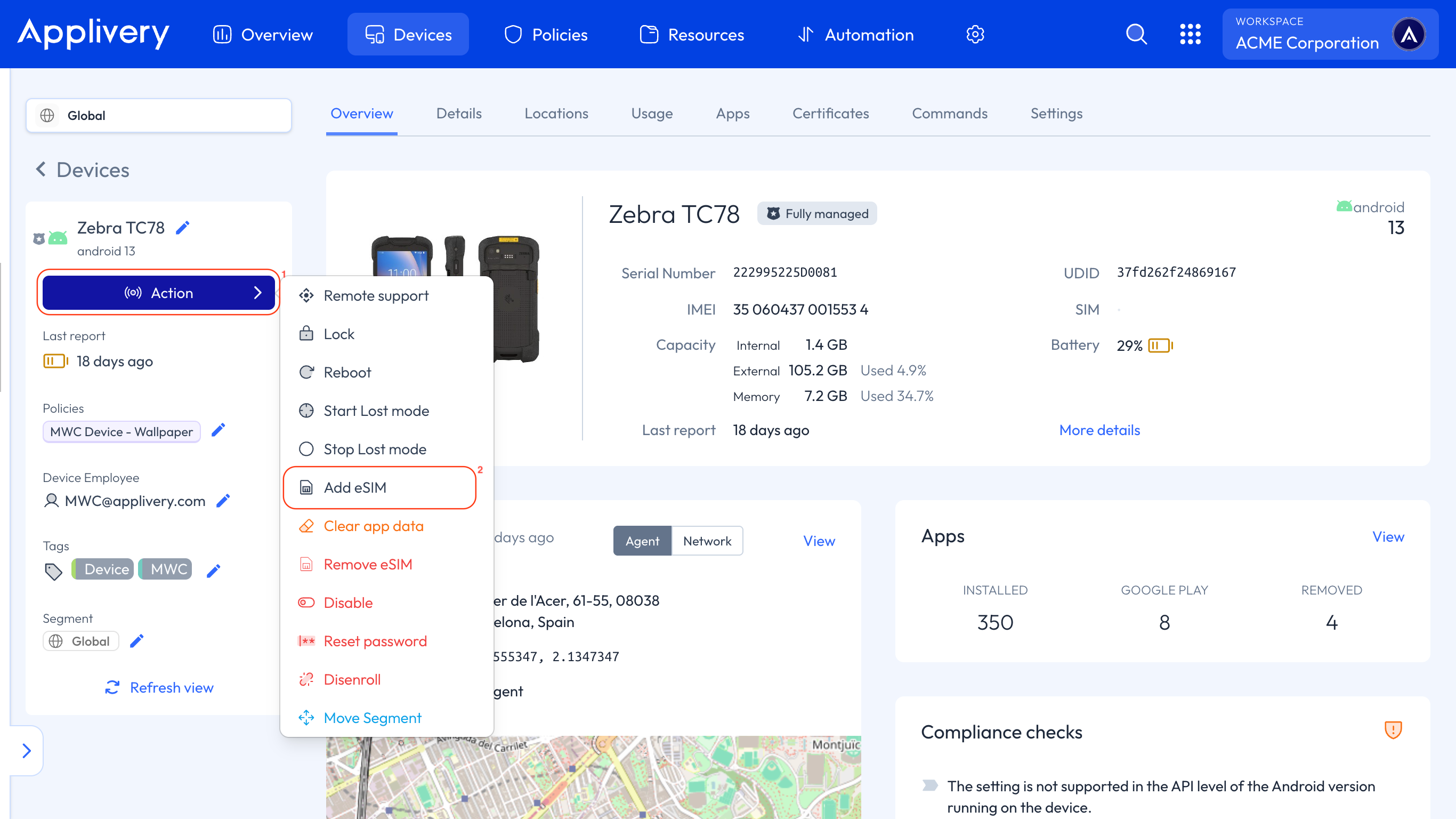
A modal window will open, where you can provide:
The eSIM activation code.
The eSIM activation state.
Removing an eSIM from your Device
Similarly to adding an eSIM, click the Action button — but this time, select Remove eSIM 3 from the dropdown menu.
Once in the Applivery Dashboard, select any of your Devices.
Click the Action button and choose Remove eSIM 3 from the dropdown menu.
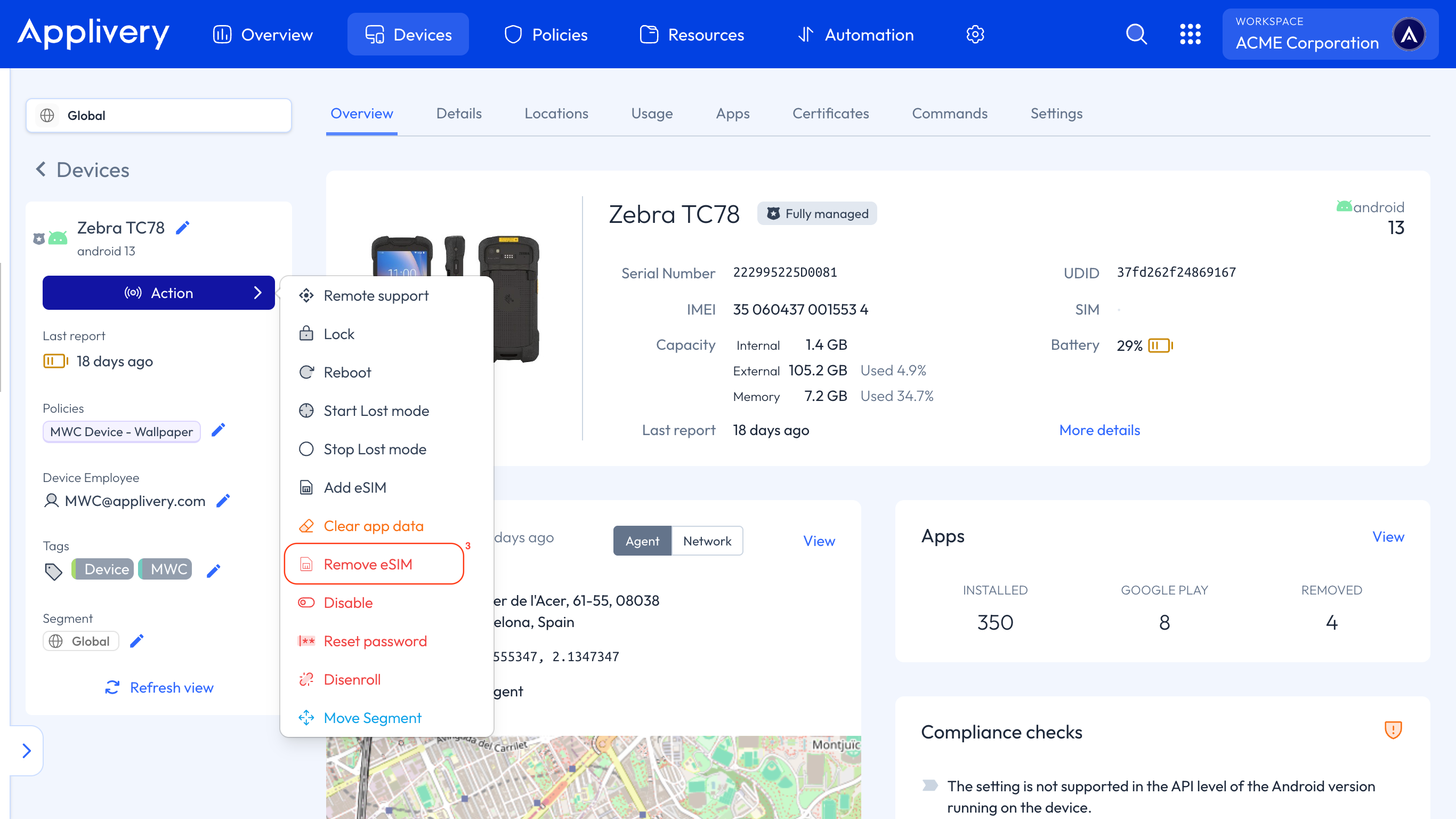
A modal window will open, where you can provide the ICCID of the eSIM to remove.
Requesting the Device EID (Work Profile Devices)
Before you can provision an eSIM on a personally-owned Device with a Work Profile, you usually need the Device's EID (eUICC Identifier) — the unique identifier of the Device's eSIM chip that mobile carriers use to generate an eSIM profile.
The Request info Command retrieves this EID. Because Work Profile Devices are personally owned, the user must approve sharing this information before it can be returned.
Once in the Applivery Dashboard, select the Work Profile Device you want to query.
Click the Action button and choose Request info from the dropdown menu.
The Command returns one of the following statuses:
Succeeded: the Device info was delivered and the EID (one per eUICC chip) is returned.
Pending user action: the user hasn't completed the required approval yet.
User declined: the user declined to share the Device info.
Unsupported: the requested info isn't supported — for example, the Device doesn't support eSIM.
Requesting the EID is supported only on personally-owned Devices with a Work Profile running Android 13 or later. Source: Android Management API.
Wiping downloaded eSIMs
When you wipe a Device from Settings > Danger zone, you can enable the Additionally wipe all downloaded eSIMs option to remove eSIM profiles as part of the wipe.
On Company-Owned Devices, this removes all eSIMs on the Device.
On personally-owned Work Profile Devices, this removes only the managed eSIMs added through Applivery (via the Add eSIM Command).
Wiping downloaded eSIMs is supported on Devices running Android 15 or later.
Additional Policy configurations
With the latest Android Management API updates, Applivery now supports a new Policy-level configuration that gives administrators greater control over eSIM management on corporate Devices.
The User-Initiated Add eSIM Settings configuration allows IT administrators to control whether end users can add eSIM profiles on Company-Owned Android Devices.
Its purpose is to enable or restrict user-initiated eSIM additions, helping maintain security and compliance by ensuring that only authorized eSIM profiles are added.
Ensure your Devices are running Android 15 or later to take full advantage of these eSIM management features.