
Apple Device Management Overview
Welcome to this set of articles on managing Apple Devices in Applivery.
If you are not familiar with the Apple ecosystem, we recommend that you continue reading this introductory article that summarizes the main concepts that you must take into account to successfully deploy the management of your Apple Devices.
Apple has a set of programs and solutions created to simplify and speed up the configuration of Devices as well as the deployment of applications and content. If you’re already familiar with Apple Business or programs like the Apple Device Enrollment Program (DEP), Apple Volume Purchase Program (VPP), and features like supervision, feel free to skip ahead. If not, let’s make a brief introduction:
Supported Devices
Apple Device Management support for Apple Devices covers all types of Apple Devices:
- iPhonesiPhoneThe iPhone is a managed Apple device that can be configured, secured, and monitored remotely by your organization..
iPads.
MacBooks and iMacs.
Apple TV.
Apple Watch.
Apple Business
Apple Business is a web-based portal for IT administrators to deploy iPhone, iPad, iPod touch, Apple TV, and Mac all from one place.
Working seamlessly with other MDM solutions like Applivery, Apple Business makes it easy to automate device deployment, purchase Apps and distribute content, and create Managed Apple IDs for employees.
The Device Enrollment Program (DEP) and the Volume Purchase Program (VPP) are completely integrated into Apple Business, so organizations can bring together everything needed to deploy Apple Devices.
Device Enrollment Program (DEP)
Apple Device Enrollment Program (also known as DEP) is a tool integrated into Apple Business that allows organizations to fully automate the enrollment process of Apple Devices in MDM solutions like Applivery.
In the beginning, it was focused on new Devices, but starting with iOS 11, it now supports enrolling already purchased Devices as well. DEP helps organizations enable supervision, MDM enrollment, skip setup steps, and many other features. You can read more about Apple DEP here.
Volume Purchase Program (VPP)
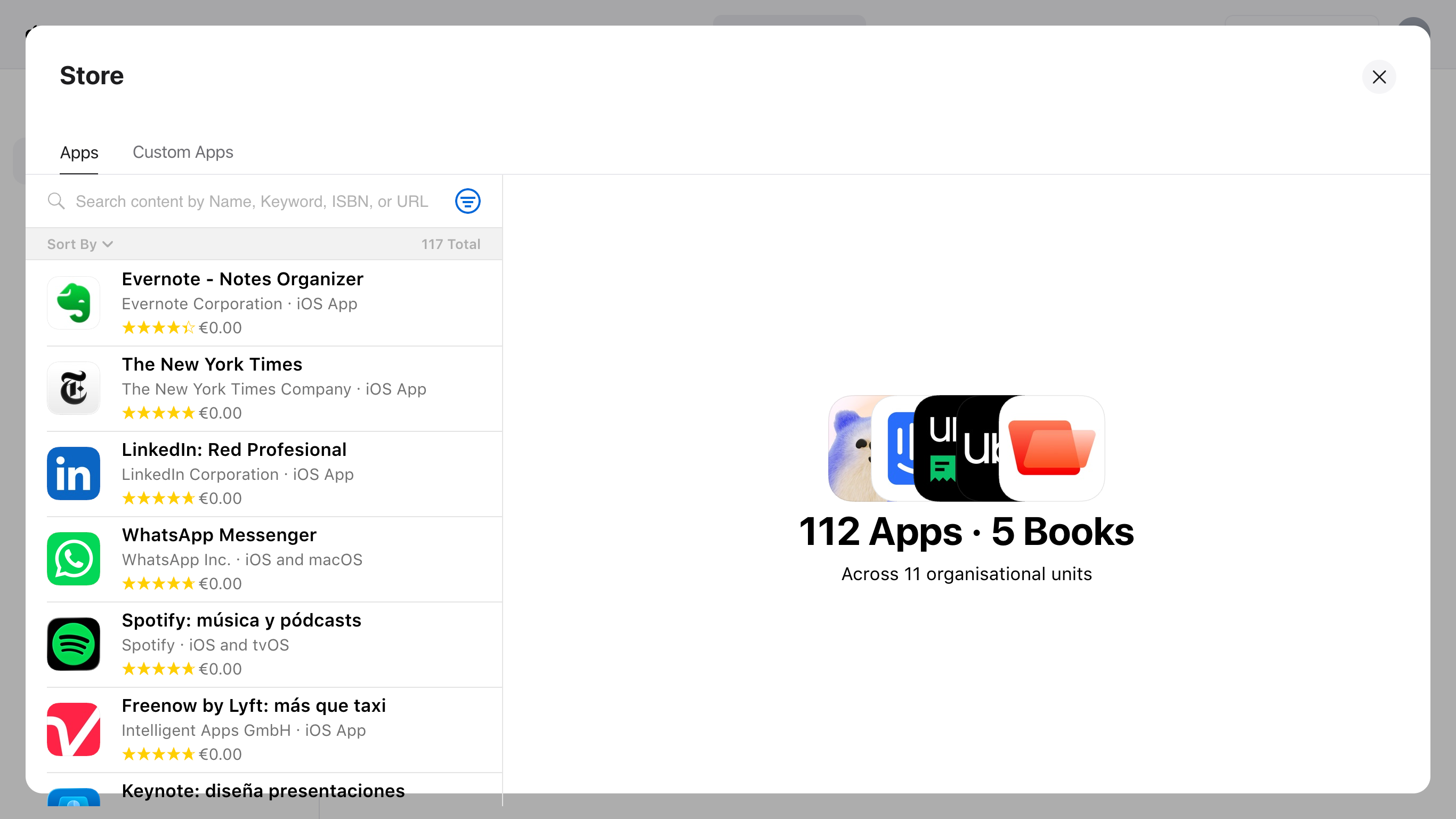
Apple Volume Purchase Program (also known as VPP) is another tool integrated into Apple Business that allows organizations to automate app and book license purchasing.
Once they are purchased, these Apps and books can be managed from the Applivery Dashboard and assigned to registered users and Devices by their Device serial number or to the entire list of Devices registered for a given user. After the licenses have been assigned, administrators can deploy Apps and books to a Device or a set of Devices. You can read more about Apple VPP here.
Other Important Concepts
Supervision Mode
Some Apple Devices (iOS and tvOS) can be configured in a special mode called supervised mode that grants MDMs additional control over the Devices with advanced privileges over Apps, lock mode, web content, and many other features.
Supervision mode requires a factory reset or new Devices that are configured through Apple Configurator or Apple Device Enrollment Program (DEP). You can read more about what supervision is and how to activate supervision mode here.
Apple Configurator App
Apple provides two Apps that will help you take advantage of the Apple Device Enrollment Program by registering your Devices in your Apple Business account.
Apple Configurator (for Mac)Apple ConfigurationApple Configuration is a MacOS app that makes it easy to deploy iPad, iPhone, iPod touch, and Apple TV Devices in your school or business. It automatically registers your Devices in Applivery and your Apple Business account. is a MacOS app that makes it easy to deploy iPad, iPhone, iPod touch, and Apple TV Devices in your school or business. It automatically registers your Devices in Applivery and your Apple Business account.
Apple Configurator (for iPhone) is an App that makes it easy to assign any Mac with the T2 Security Chip or Apple Silicon to your Apple Business organization and manage it through Applivery.
You can read more about both Apps here.
Next Steps
Now that the main concepts are a bit clearer, we suggest following the next steps:
Determine whether you will need device supervision privileges.
Select the enrollment method that best fits your feature requirements and deployment workflow.
Plan your organization’s app deployment strategy.
Choose whether or not to use Apple IDs in your deployment.