
Ensuring macOS Devices shut down properly at defined times or days is critical in environments where security, energy efficiency, and operational discipline are priorities. Whether it’s to prevent unauthorized access after hours, preserve battery health, or enforce company-wide power Policies, a controlled shutdown process is essential.
With Applivery, you can remotely configure and deploy a Policy that initiates Device shutdown automatically.
Configure a shutdown Policy
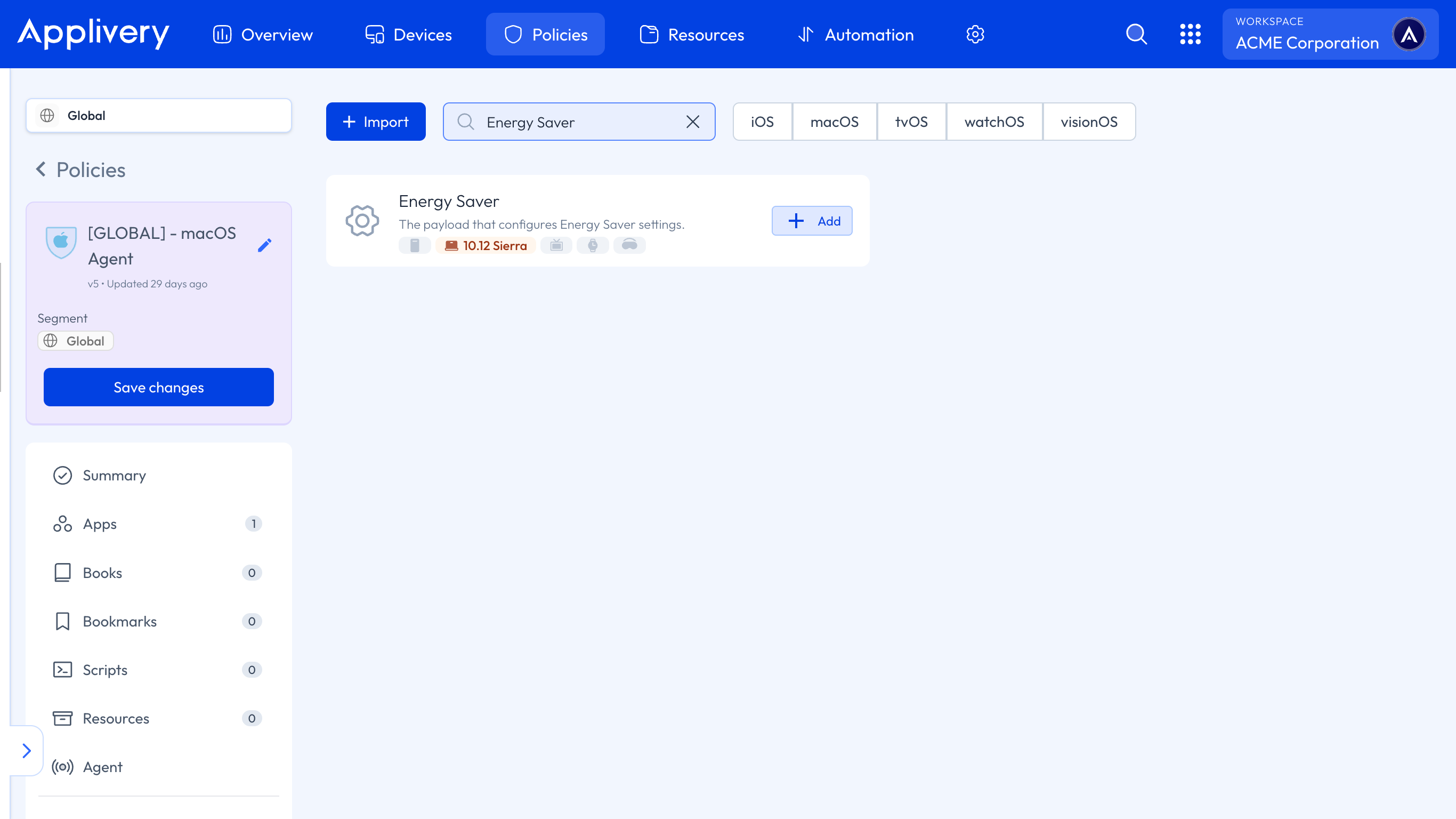
Once in the Applivery Dashboard, head to any of your Policies or create a new one. From the left-hand menu, navigate to the + Add configuration section and then choose Energy Saver.
Locate the Desktop Power Schedule and make the following configuration:
Event Type: In this case, select Shutdown. Other available options include Wake, Power On, Wake Power On, Sleep, and Restart.
Time: The scheduled time, expressed in minutes since midnight. For example:
690 = 11:30 AM (11 x 60 + 30).Weekdays: Defines the days when the shutdown applies, using a bitmask:
1 = Monday.
2 = Tuesday.
4 = Wednesday.
8 = Thursday.
16 = Friday.
32 = Saturday.
64 = Sunday.
You can combine values to select multiple days, for example,
1 + 2 + 4 + 8 + 16 = 31 → Monday to Friday