
Applivery is about Apps and Devices. Apps represent one of the most important elements in Applivery. You can manage them on your own which means that you can for instance:
Create a separate App for each different project
Create more than one App for the same project to better manage different versions of the same App or team-level segregation.
Create an App for each different environment you might have to better differentiate between Development, Staging, Quality, or Production Apps.
Inside the Apps you’ll find everything related to them: Builds, analytics, user permissions, version management, and distribution options.
Let’s start creating a new App.
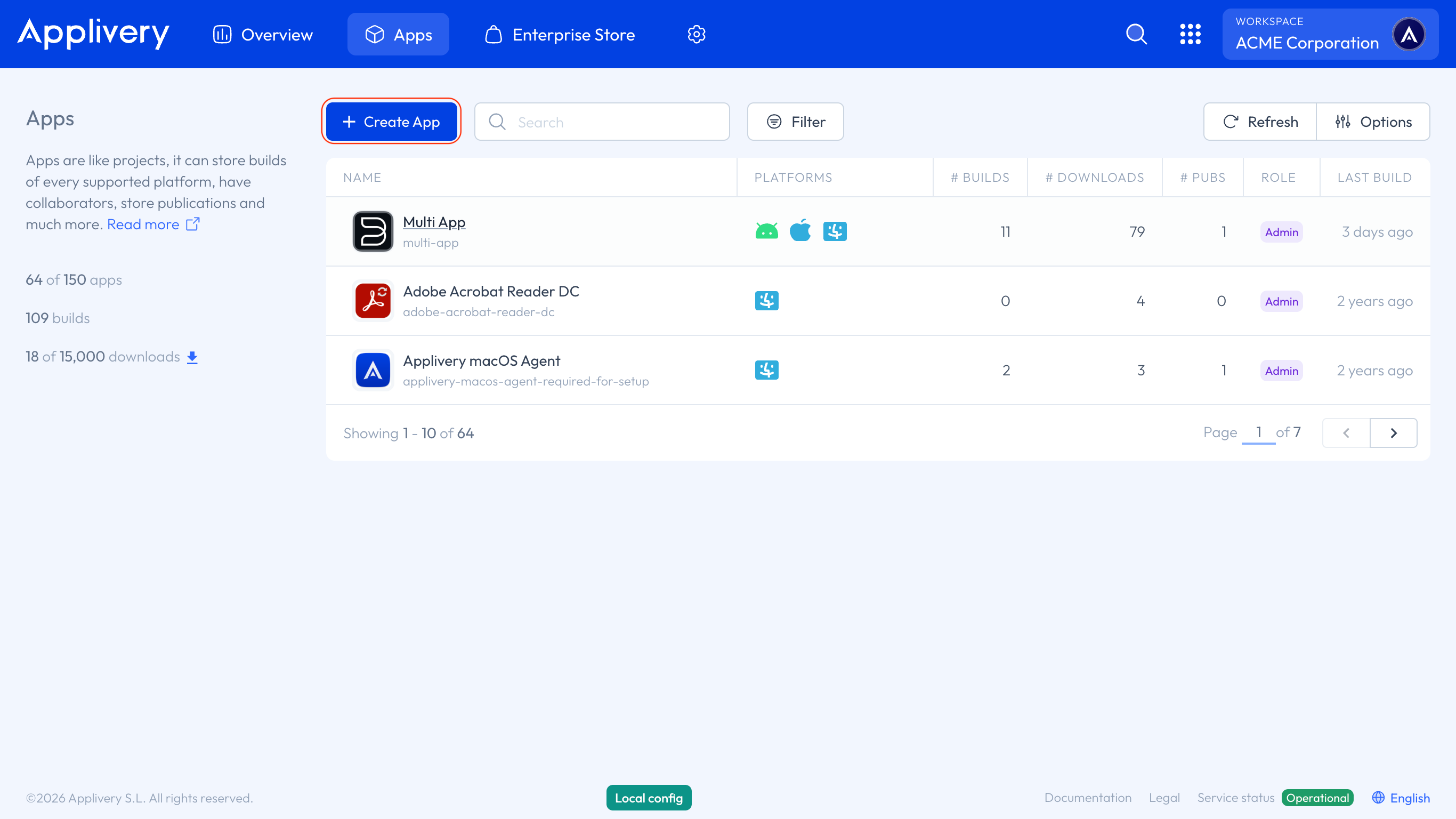
Click the + Create App button.
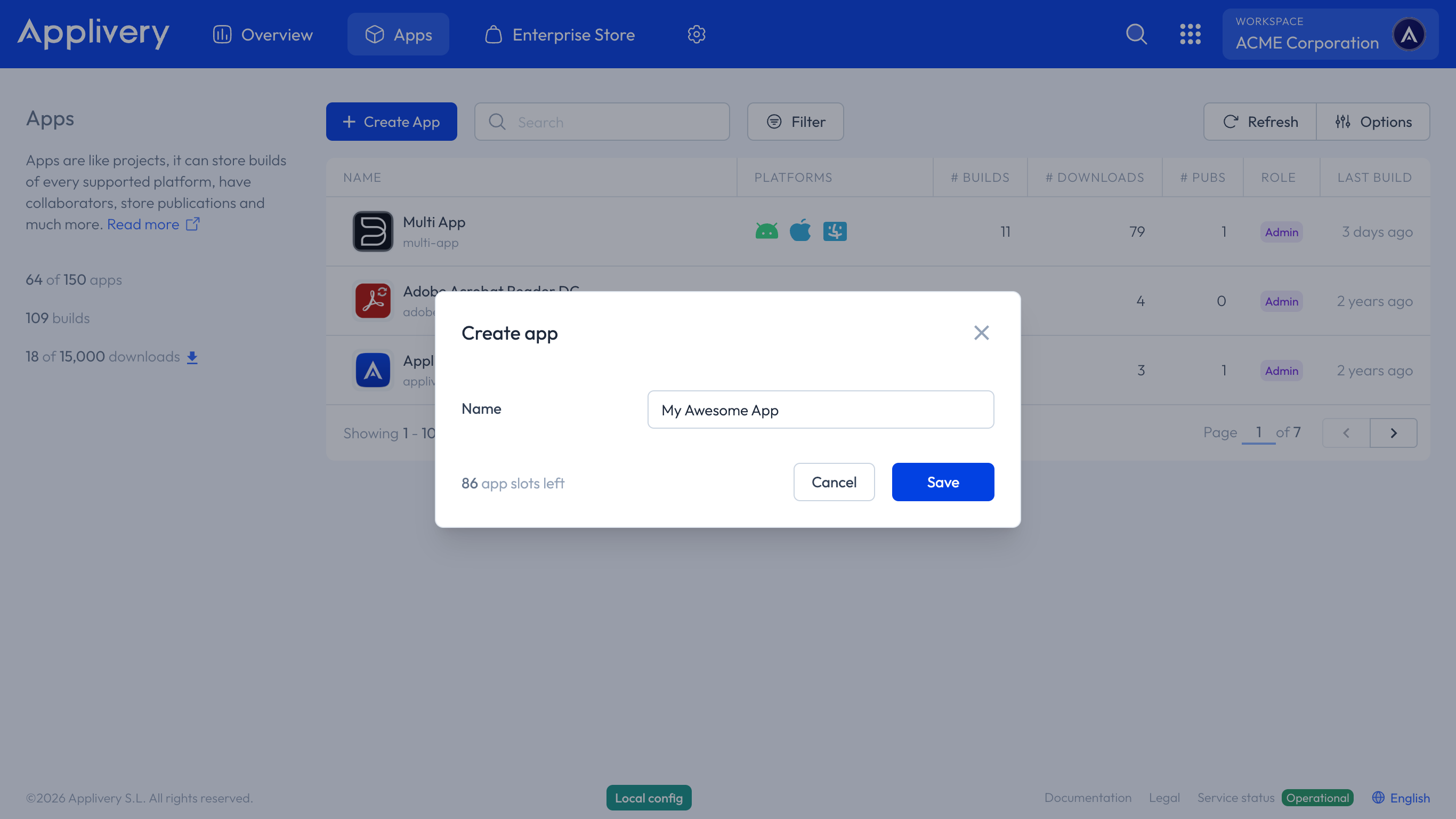
Choose an easy-to-identify App name and click Save.
Congratulations! You have successfully created your first App in Applivery. You can now start uploading Builds and managing your App Distribution.