
Since iOS 9, testers are required to trust your organization’s Apple Enterprise developer certificate before running Beta distributions. This is a one-time process.
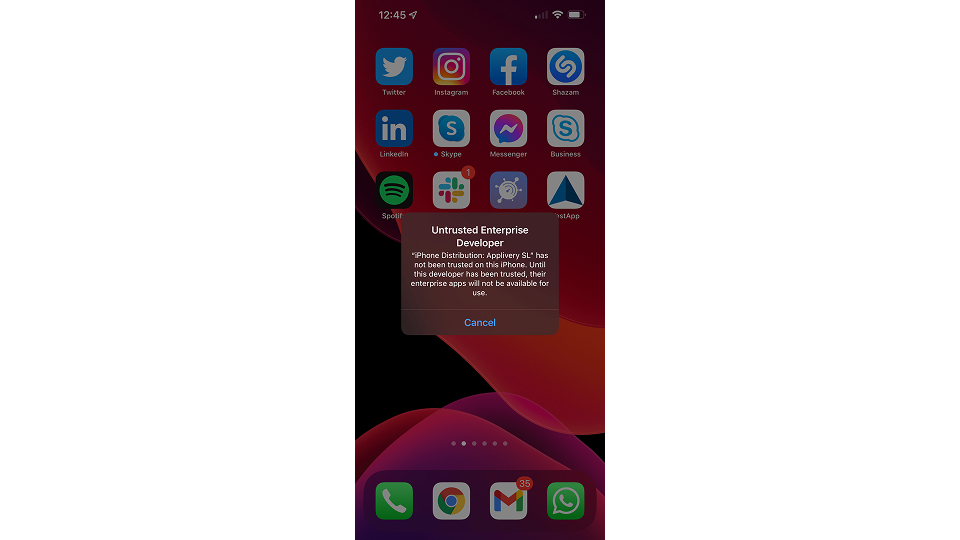
When running an App from an untrusted certificate, testers will see the message Untrusted Enterprise Developer. They can trust the certificate by following the steps below:
1
Navigate to Device Management
Go to Settings > General > Device Management on your iOS device.
2
Select the Developer Profile
Locate and select the developer profile under the ENTERPRISE APPS section.
3
Trust the Developer
Tap Trust "[Developer Name]".
4
Confirm Trust
Select Trust to confirm.
Remember to only trust Enterprise developers that you know and trust.